
Featured
New Release
PS Hunting Script
A premium FiveM hunting system with license, gear, hunting zones, animal hunting, NPC shop and selling flow.


 Phantom
Scripts
Phantom
Scripts
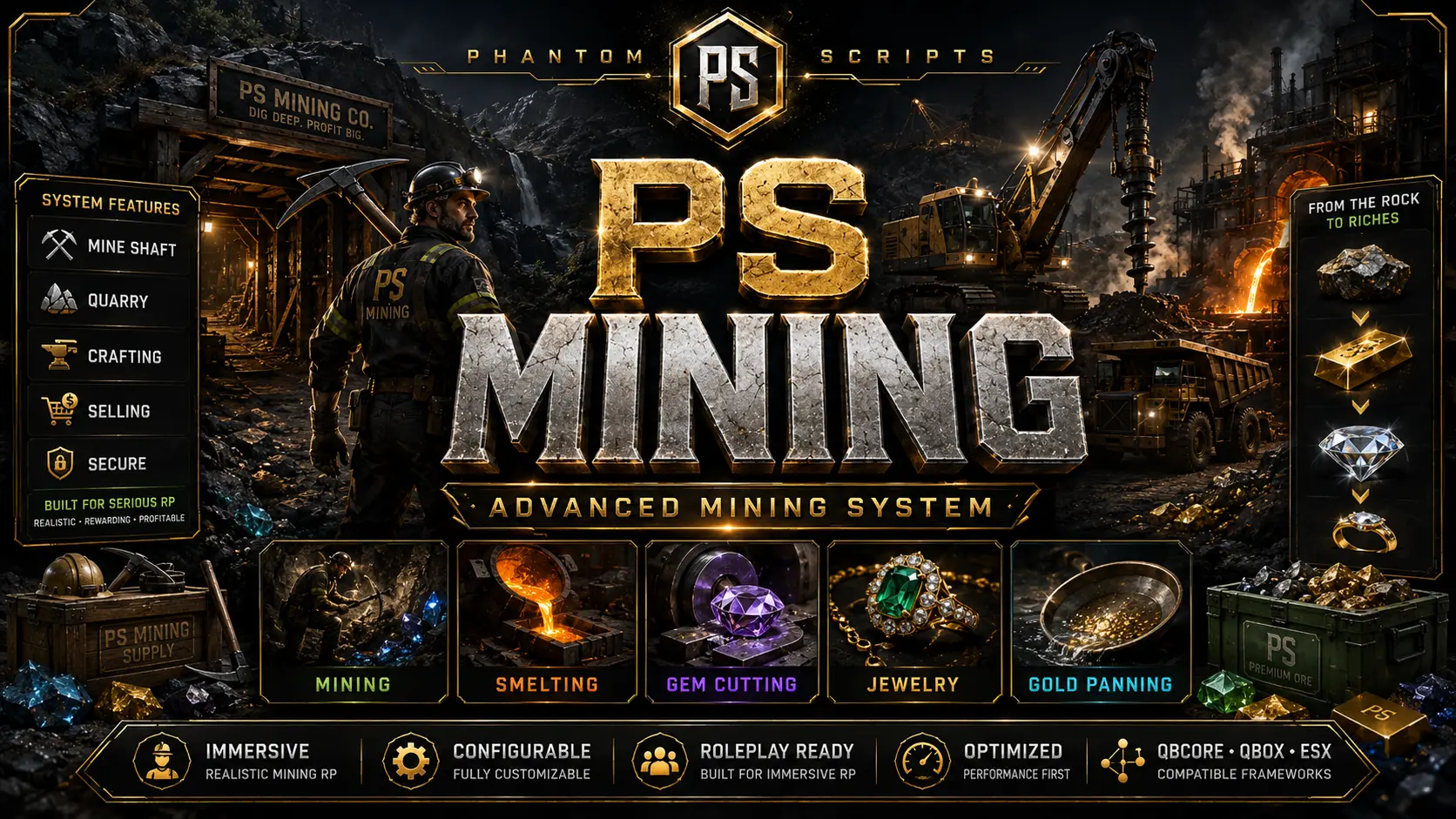
An advanced immersive mining system with quarry and underground mining, processing, gem cutting, jewelry crafting and negotiable selling.
PS Mining is a complete mining experience for FiveM roleplay servers. Players can purchase mining tools, extract rocks at the outdoor quarry or pry open the underground mine entrance with a crowbar, then process the collected materials through rock cracking, stone washing, gold panning, ore smelting, gem cutting and jewelry crafting. Finished materials and jewelry can be sold through an interactive buyer system with item images, quantity selection, buyer offers and counteroffers. The resource includes realistic animations, Phantom-style UI, server-side validation, configurable rewards and locations, and support for QBCore, QBox and ESX.
This product page only shows the essential installation information. Full setup, configuration and every extra detail are available in the documentation.
A premium FiveM hunting system with license, gear, hunting zones, animal hunting, NPC shop and selling flow.

An advanced restaurant management system with menus, tables, seats, recipes, storage, employees and orders.
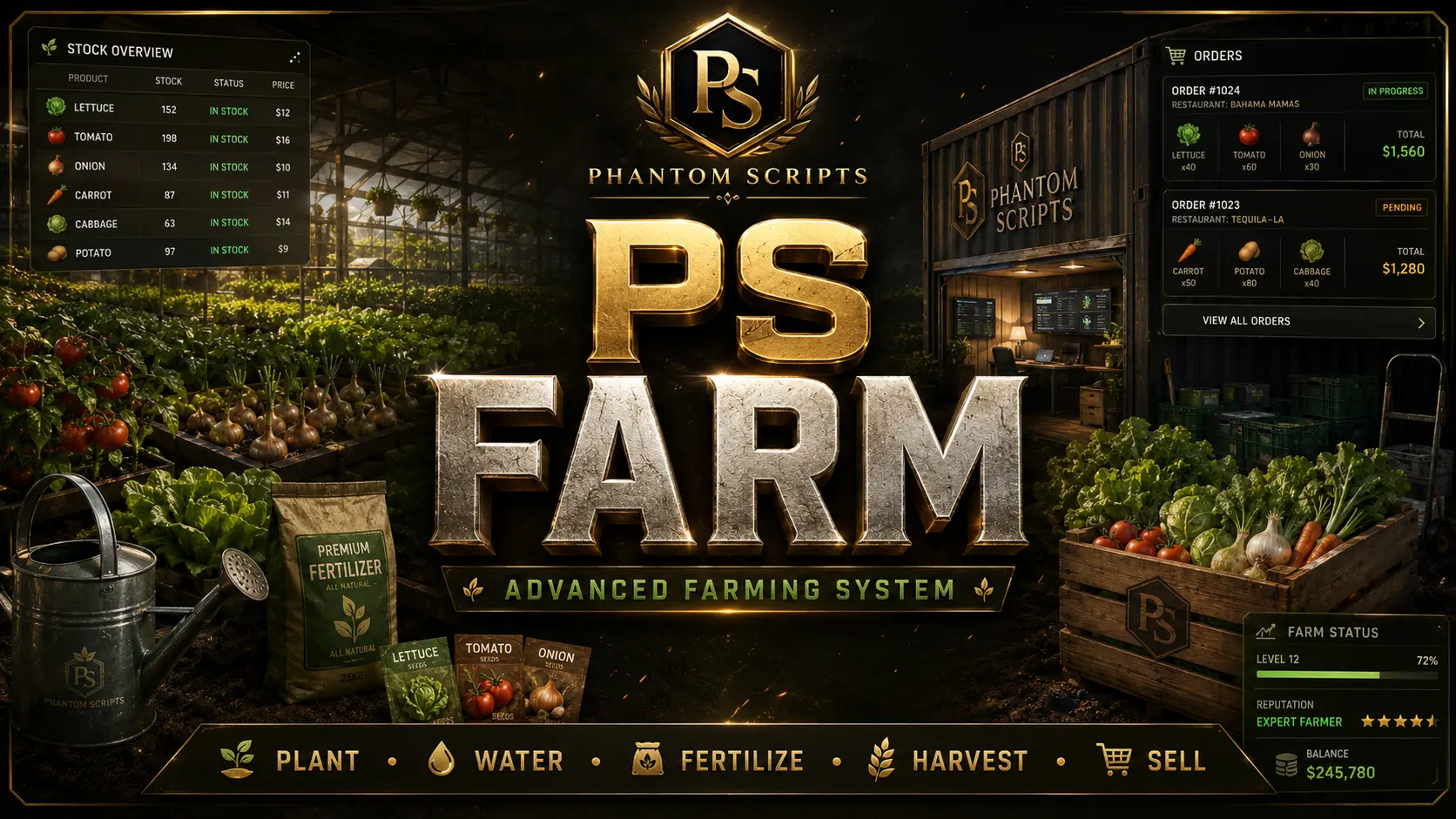
An advanced player-owned farming system with crops, quality, storage, employees, market selling and restaurant orders.